
Install guide
Raspberry Pi
Open Annihilation runs on the Raspberry Pi with Raspberry Pi OS Bookworm or later, on the desktop or straight from the console, and starts at a frame rate the Pi keeps up with.
- Pi 2, 3, 4, 400 and 5
- Raspberry Pi OS Bookworm or later
- 64-bit or 32-bit
- About 10 minutes
1Choose your package
| Your Pi | Package |
|---|---|
| Pi 4, Pi 400 or Pi 5 with the 64-bit Raspberry Pi OS | …-linux-arm64.zip |
| Pi 2, Pi 3 or Pi 4 with the 32-bit Raspberry Pi OS | …-linux-armhf.zip |
dpkg --print-architecture prints arm64 for the 64-bit system and armhf for the 32-bit one.
pi@raspberrypi:~ $ dpkg --print-architecturearm64pi@raspberrypi:~ $ cat /etc/os-release | grep VERSION=VERSION="12 (bookworm)"
2Download and unzip it
Download it in the Pi's browser, or in a terminal:
Open Annihilation 0.7.2 · Raspberry Pi2026-10-06
Release notes →64-bit Raspberry Pi OS Recommended
Pi 4, Pi 400 and Pi 5.
open-annihilation-v0.7.2-linux-arm64.zip
32-bit Raspberry Pi OS Recommended
Pi 2, Pi 3 and Pi 4, with Bookworm or later.
open-annihilation-v0.7.2-linux-armhf.zip
dpkg --print-architecture prints arm64 or armhf. A Pi starts at 60 frames a second.pi@raspberrypi:~ $ curl -LO https://github.com/open-annihilation/open-annihilation/releases/download/v0.7.2/open-annihilation-v0.7.2-linux-arm64.zippi@raspberrypi:~ $ unzip open-annihilation-v0.7.2-linux-arm64.zip
3Copy the game data
Open Annihilation plays your own copy of Total Annihilation with the 3.1 update: the folder that holds totala1.hpi. Copy it to the Pi, for example into ~/Games/Total Annihilation.
Copy the whole folder of an installed Total Annihilation from a Windows PC, or from GOG's Mac version (how), onto a USB stick, then onto the Pi:
$ mkdir -p ~/Games$ cp -r "/media/$USER/USB STICK/Total Annihilation" ~/Games/"Total Annihilation"$ ls ~/Games/"Total Annihilation"/totala1.hpi/home/commander/Games/Total Annihilation/totala1.hpi
No copy yet? The free 1997 demo holds the first three Arm missions. Download Total Annihilation.exe (where, and how to check it), make a folder such as TA Demo in your home folder, and put the file in it 1. You never run it: Open Annihilation only reads the game data packed inside.
4Start the game
On the desktop, the first start asks for your Total Annihilation folder and remembers it. From the console, Raspberry Pi OS Lite or a Pi with the desktop switched off, there is no folder dialog: name the folder with --game-dir each time, and the game draws straight to the screen.
$ cd open-annihilation-v0.7.2-linux-arm64$ ./open-annihilation# Raspberry Pi OS Lite, or the desktop switched off: name the folder$ ./open-annihilation --game-dir ~/Games/"Total Annihilation"
If it says Permission denied, run chmod +x open-annihilation once.
✓You're in, Commander
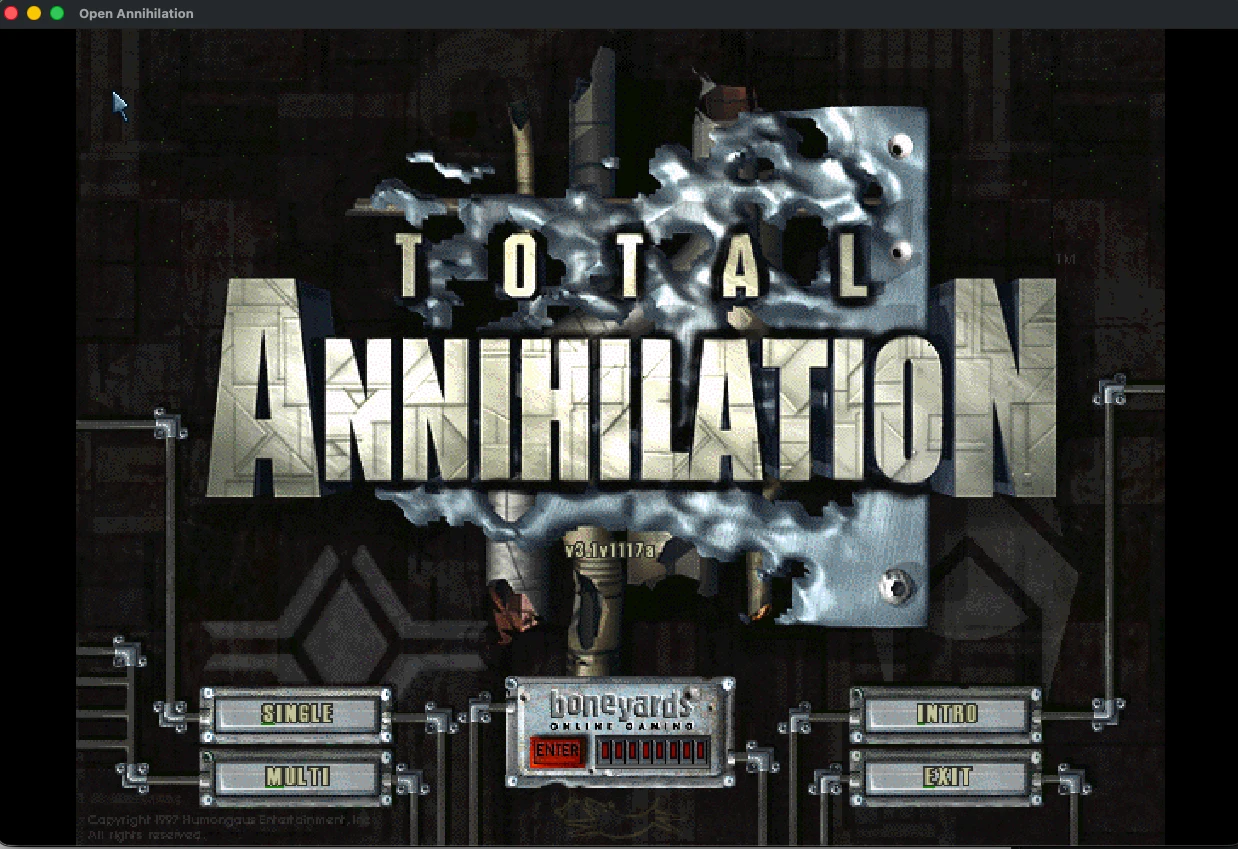
When the main menu appears, the game has found your files. Pick a campaign, a skirmish or a network game.
On a Pi
On a Raspberry Pi the game starts at 60 frames a second and without enhanced anti-aliasing, which the Pi's graphics keep up with. Both are ordinary settings under Graphics, and Restore defaults brings the Pi's starting values back.
Where your files live
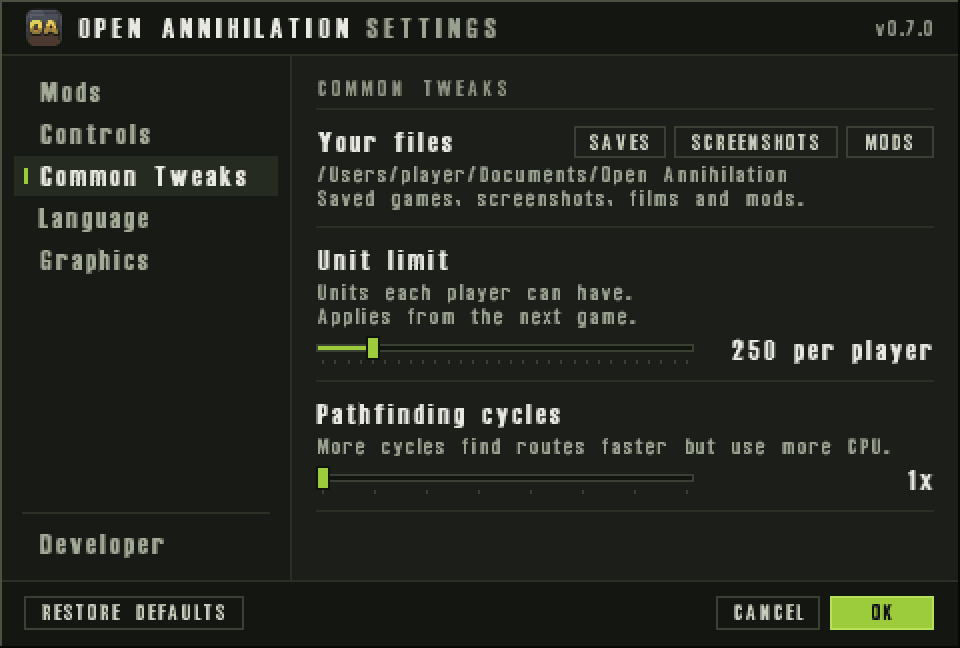
As on any Linux computer: saves, screenshots and mods in Documents › Open Annihilation, settings in ~/.config/open-annihilation, and logs in ~/.local/share/open-annihilation. More on the Linux guide.
Other platforms
Something not as described? Discord · GitHub issues