
インストールガイド
Raspberry Pi
Open Annihilationは、Raspberry Pi OS Bookworm以降のRaspberry Piで、デスクトップでもコンソールから直接でも動き、Piが追いつけるフレームレートで起動します。
- Pi 2、3、4、400、5
- Raspberry Pi OS Bookworm以降
- 64ビットまたは32ビット
- 約10分
1パッケージを選ぶ
| お使いのPi | パッケージ |
|---|---|
| 64ビット版Raspberry Pi OSのPi 4、Pi 400、Pi 5 | …-linux-arm64.zip |
| 32ビット版Raspberry Pi OSのPi 2、Pi 3、Pi 4 | …-linux-armhf.zip |
dpkg --print-architectureは、64ビット版のシステムではarm64、32ビット版ではarmhfを表示します。
pi@raspberrypi:~ $ dpkg --print-architecturearm64pi@raspberrypi:~ $ cat /etc/os-release | grep VERSION=VERSION="12 (bookworm)"
2ダウンロードして展開
Piのブラウザーか、ターミナルでダウンロードします:
Open Annihilation 0.8.11 · Raspberry Pi2026-11-01
リリースノート →64ビット版Raspberry Pi OS おすすめ
Pi 4、Pi 400、Pi 5。
open-annihilation-v0.8.11-linux-arm64.zip
32ビット版Raspberry Pi OS おすすめ
Pi 2、Pi 3、Pi 4(Bookworm以降)。
open-annihilation-v0.8.11-linux-armhf.zip
dpkg --print-architectureでarm64かarmhfかがわかります。Piでは毎秒60フレームで起動します。pi@raspberrypi:~ $ curl -LO https://github.com/open-annihilation/open-annihilation/releases/download/v0.8.11/open-annihilation-v0.8.11-linux-arm64.zippi@raspberrypi:~ $ unzip open-annihilation-v0.8.11-linux-arm64.zip
3ゲームデータをコピー
Open Annihilationは、お手持ちの3.1アップデート適用済みTotal Annihilation、つまりtotala1.hpiがあるフォルダーでプレイします。これをPiの~/Games/Total Annihilationなどにコピーします。
Windows PCか、GOGのMac版(方法)から、インストール済みのTotal Annihilationのフォルダーを丸ごとUSBメモリにコピーし、それをPiにコピーします:
$ mkdir -p ~/Games$ cp -r "/media/$USER/USB STICK/Total Annihilation" ~/Games/"Total Annihilation"$ ls ~/Games/"Total Annihilation"/totala1.hpi/home/commander/Games/Total Annihilation/totala1.hpi
まだゲームを持っていない場合は、1997年の無料体験版でARMの最初の3ミッションを遊べます。Total Annihilation.exeをダウンロードし(入手先と確認方法)、ホームフォルダーにTA Demoなどのフォルダーを作って、そこにファイルを入れます 1。実行はしません。Open Annihilationは中に収められたゲームデータを読み込むだけです。
4ゲームを起動
デスクトップでは、初回起動時にTotal Annihilationのフォルダーを尋ね、それを記憶します。コンソール(Raspberry Pi OS Lite、またはデスクトップをオフにしたPi)ではフォルダーのダイアログがありません。毎回--game-dirでフォルダーを指定してください。ゲームは画面に直接描画します。
$ cd open-annihilation-v0.8.11-linux-arm64$ ./open-annihilation# Raspberry Pi OS Lite、またはデスクトップをオフにした場合:フォルダーを指定$ ./open-annihilation --game-dir ~/Games/"Total Annihilation"
Permission deniedと表示されたら、一度chmod +x open-annihilationを実行してください。
✓準備完了、コマンダー
メインメニューが表示されれば、ゲームはファイルを見つけています。キャンペーン、スカーミッシュ、ネットワーク対戦から選んでください。
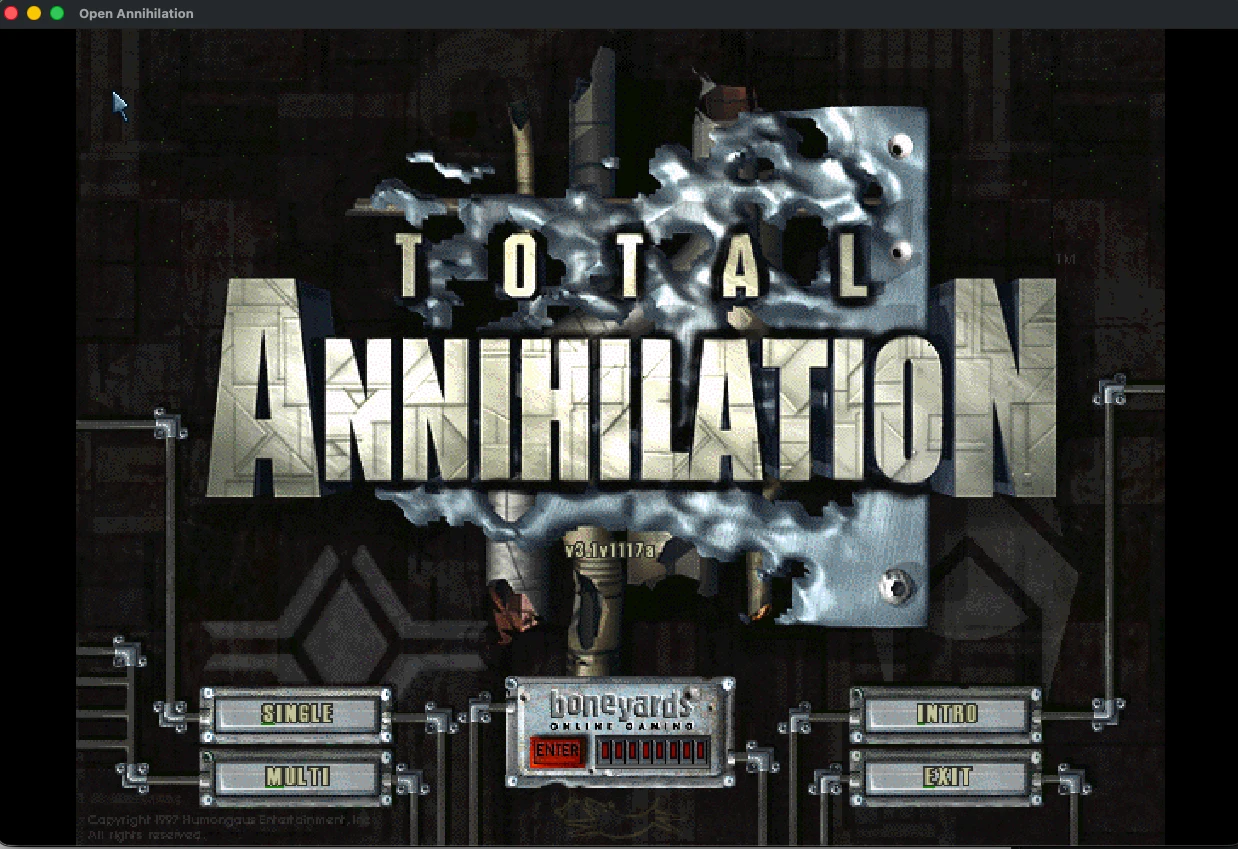
Piでの動作
Raspberry Piでは、ゲームは毎秒60フレーム、拡張アンチエイリアスなしで起動します。これならPiのグラフィックでも追いつけます。どちらもGraphicsにある普通の設定で、Restore defaultsでPiの初期値に戻せます。
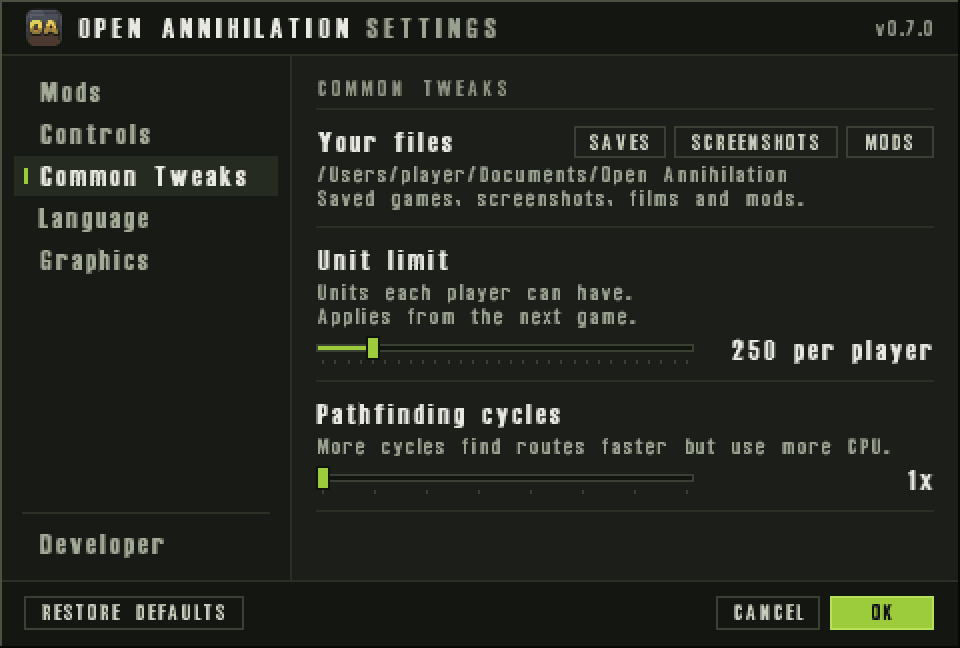
ファイルの保存場所
ほかのLinuxコンピューターと同じです。セーブデータ、スクリーンショット、MODはドキュメント › Open Annihilation、設定は~/.config/open-annihilation、ログは~/.local/share/open-annihilationにあります。詳しくはLinuxのガイドで。
ほかのプラットフォーム
説明と違うところがありますか? Discord · GitHub Issues