







MinimumSoftware renderer
- Processor
- One core, Pentium III or Athlon XP class
- Memory
- 256 MB
- Graphics
- Not required: the processor draws every frame
- Display
- 640 × 480
- Systems
- Windows XP SP3 (32-bit), Linux with glibc 2.28, Raspberry Pi 2

Total Annihilation,ready for the next 30 years.
A free, open source engine that plays the original 1997 Total Annihilation natively on macOS, Windows, Linux, iPhone, iPad and Steam Deck, from your own copy of the game.
Free and open source under the GPLv3. Requires Total Annihilation from Steam or GOG, or the free 1997 demo. All platforms
Pick your platform. We've already guessed.
 Apple Vision Pro
 DOS

Universal: Intel and Apple silicon. Signed and notarized, and installs to Applications.
open-annihilation-v0.9.2-macos-universal.pkg
The same app without an installer: unzip it and drag it to Applications.
open-annihilation-v0.9.2-macos-universal.zip
For most PCs. The installer sets up the Start Menu, the list of installed programs and the file types.
open-annihilation-v0.9.2-windows-x64-setup.exe
Pentium III, Athlon XP or newer. Runs on 64-bit Windows too. The installer sets up the Start Menu, the list of installed programs and the file types.
open-annihilation-v0.9.2-windows-x86-setup.exe
For Snapdragon and other ARM PCs. The installer sets up the Start Menu, the list of installed programs and the file types.
open-annihilation-v0.9.2-windows-arm64-setup.exe
Pentium II or newer. The installer sets up the Start Menu, the list of installed programs and the file types.
open-annihilation-v0.9.2-windows-95-setup.exe
For most PCs. The same program without an installer: unzip it and start open-annihilation.exe from the folder.
open-annihilation-v0.9.2-windows-x64.zip
Pentium III, Athlon XP or newer. Runs on 64-bit Windows too. The same program without an installer: unzip it and start open-annihilation.exe from the folder.
open-annihilation-v0.9.2-windows-x86.zip
For Snapdragon and other ARM PCs. The same program without an installer: unzip it and start open-annihilation.exe from the folder.
open-annihilation-v0.9.2-windows-arm64.zip
Pentium II or newer. The same program without an installer: unzip it and start open-annihilation.exe from the folder.
open-annihilation-v0.9.2-windows-95.zip
glibc 2.28 or later: Debian 10, Ubuntu 20.04, Fedora 29, RHEL 8, SteamOS 3 or newer.
open-annihilation-v0.9.2-linux-x86_64.zip
glibc 2.28 or later, including 64-bit Raspberry Pi OS.
open-annihilation-v0.9.2-linux-arm64.zip
glibc 2.36 or later: Debian 12, Raspberry Pi OS Bookworm or newer.
open-annihilation-v0.9.2-linux-armhf.zip
uname -m tells you which package you need.There is no App Store release. Build the app with Xcode 26 and install it on your own iPhone or iPad running iOS or iPadOS 15 or later. A free Apple ID works; the app copies the game data from your own copy on first start.
Pi 4, Pi 400 and Pi 5.
open-annihilation-v0.9.2-linux-arm64.zip
Pi 2, Pi 3 and Pi 4, with Bookworm or later.
open-annihilation-v0.9.2-linux-armhf.zip
dpkg --print-architecture prints arm64 or armhf. A Pi starts at 60 frames a second.Includes Steam Input layouts and library artwork. Add it to Steam as a non-Steam game and play from Game Mode.
open-annihilation-v0.9.2-steam-deck.zip
Install guides for every platform
15 to 23 MB. No game content inside.
Total Annihilation with the 3.1 update, from GOG or Steam, both expansions included. Or try the free 1997 demo first.
On first start, choose the folder that holds totala1.hpi. On Linux and Steam Deck, Steam, Heroic and Lutris installs are found automatically.
From a 256 MB Pentium III to an 8K display.

macOS 11 Big Sur or later · Intel and Apple silicon · signed and notarized

Windows 95 to Windows 11 · 64-bit, 32-bit, ARM64 and Windows 9x

glibc 2.28+ (Debian 10, Ubuntu 20.04, Fedora 29, RHEL 8) · x86-64 and ARM64; ARMv7 needs glibc 2.36 · X11, Wayland or the console

iOS and iPadOS 15+ · built on your own Mac with Xcode 26 · about 2 GB free

Pi 2, 3, 4, 400 and 5 · Raspberry Pi OS Bookworm or later

LCD and OLED · Game Mode, from the Steam Deck package · experimental
 Multiplayer enabled
 Demo recording & playback
 Crossplay with the original
Host or join over TCP/IP from the battle room. The engine speaks the original network protocol, so it plays alongside unmodified 3.1c. Core Prime, the rebuilt Boneyards, launches soon.
 Mods & mutations
 Library of mods
 Open standards
A mod states how it differs from 3.1c in one OAMOD profile, choosing from 90 standard hacks. Double-click a .oamod to install it, and switch mods without restarting.
 English
 Deutsch
 Français
 Italiano
 Español
 Українська
 Русский
 Português (BR)
 Português (PT)
English, German, French, Italian and Spanish come from the game's own data. Simplified Chinese, Korean, Japanese, Ukrainian, Russian, and Brazilian and European Portuguese are packs from the Library, with system input methods and Unicode chat between players.
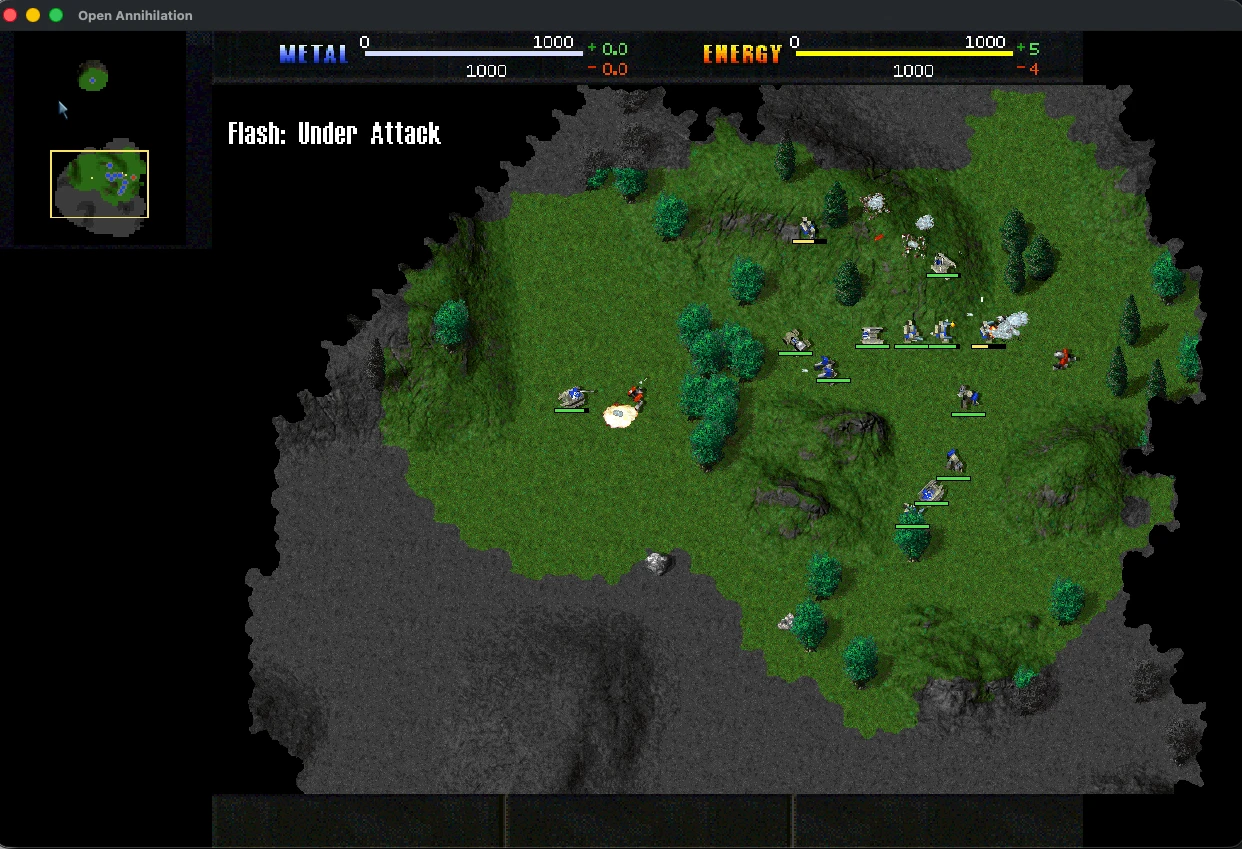 Campaign play
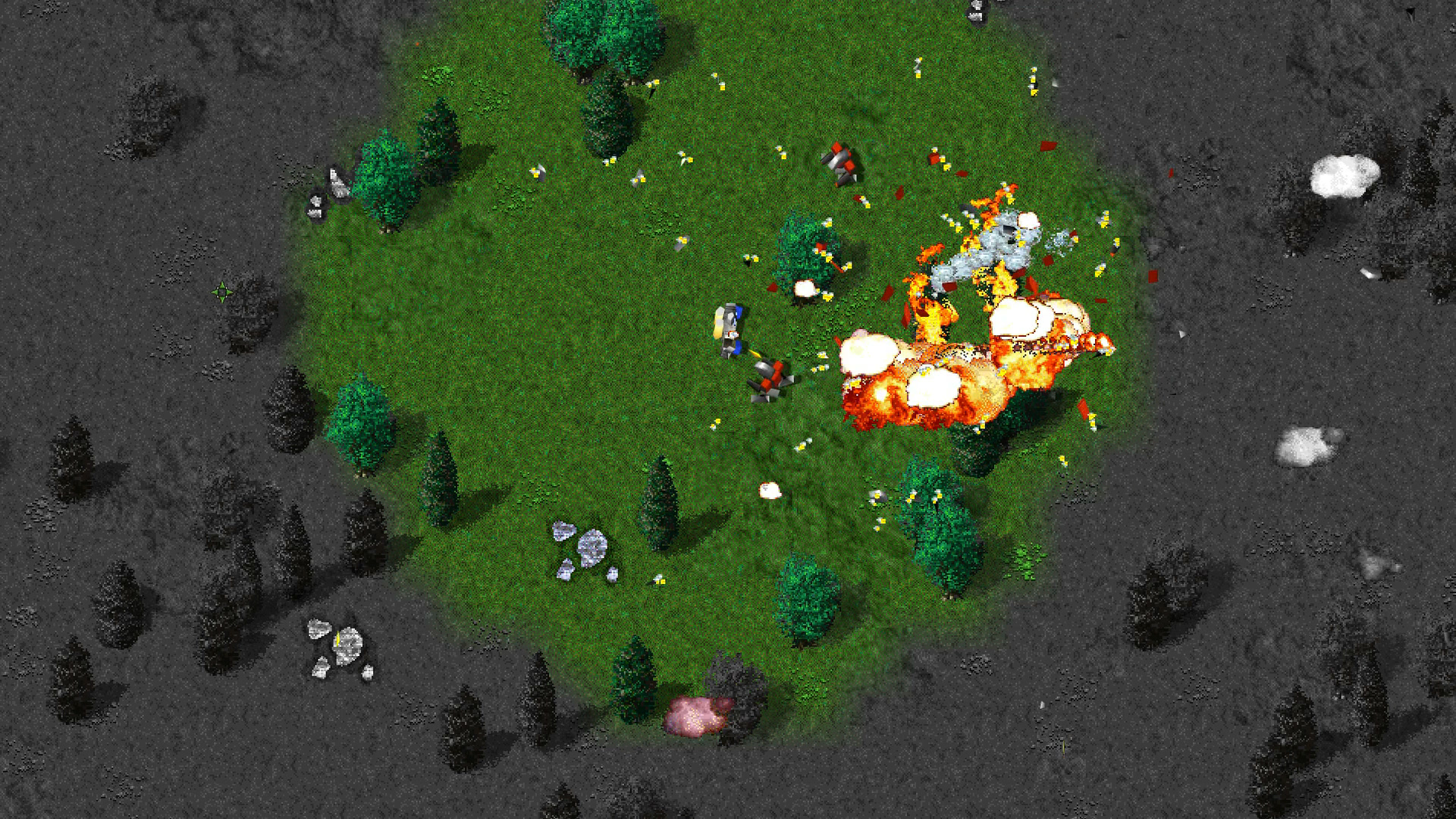 The Commander under fire
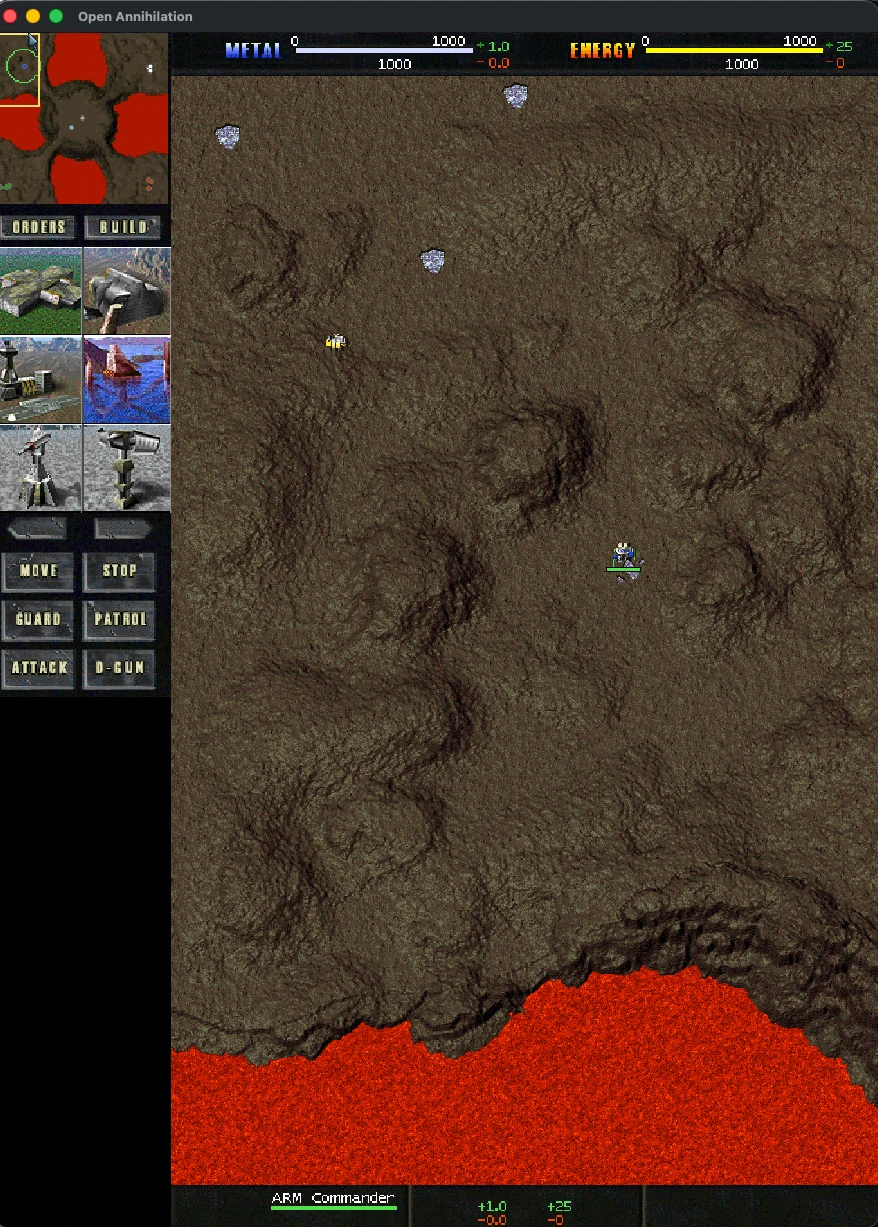 Any window shape, even portrait
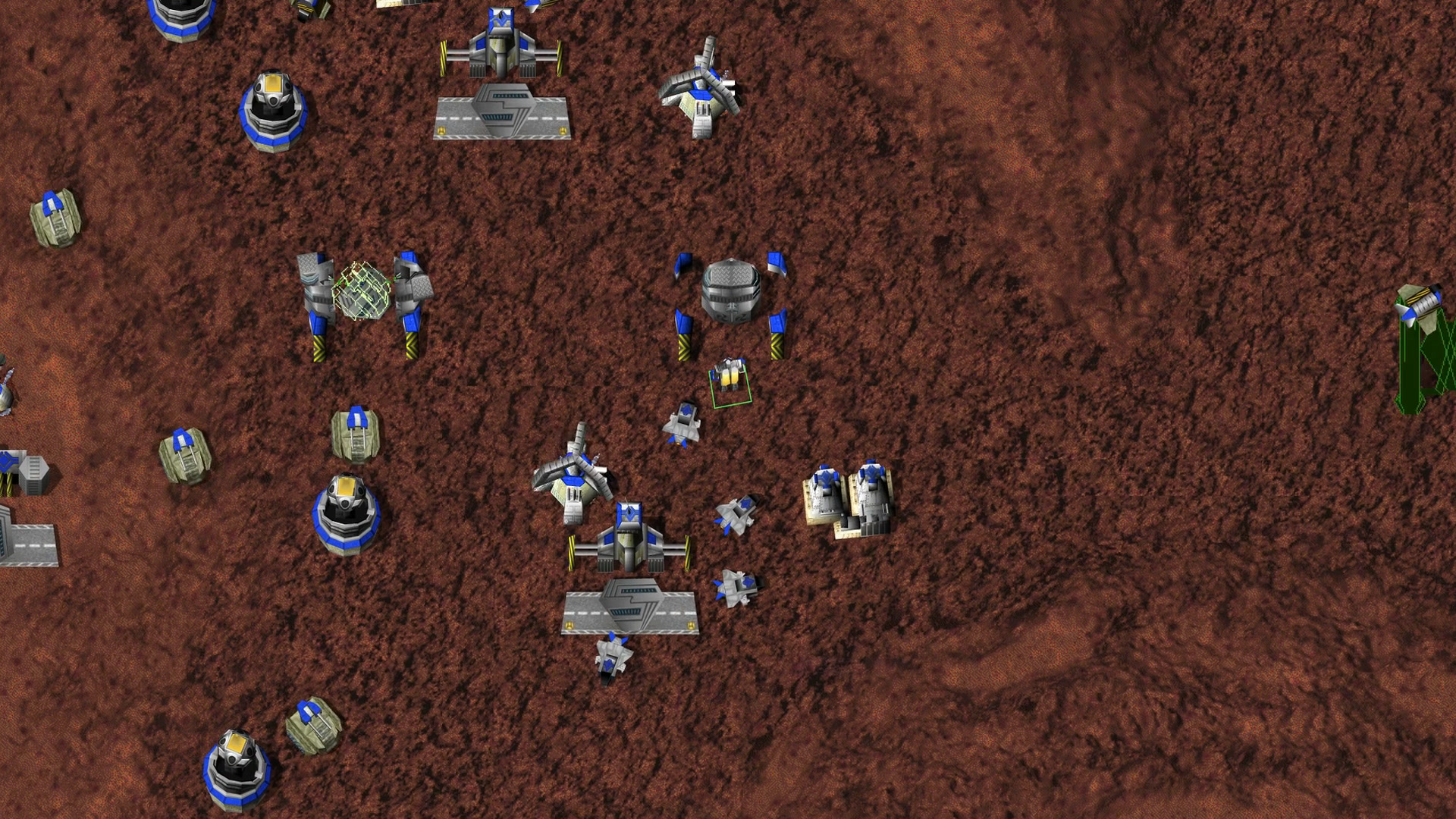 An Arm strike force gathers
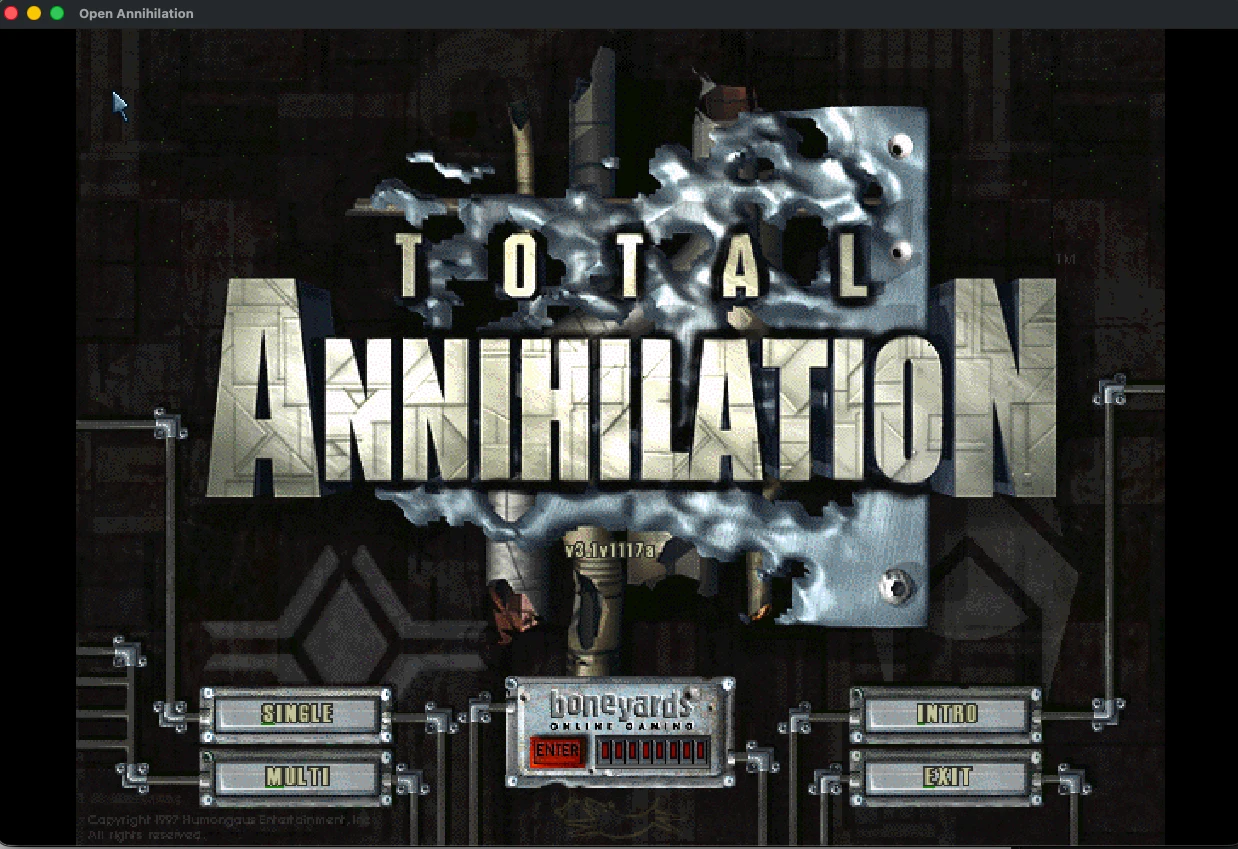 The original main menu
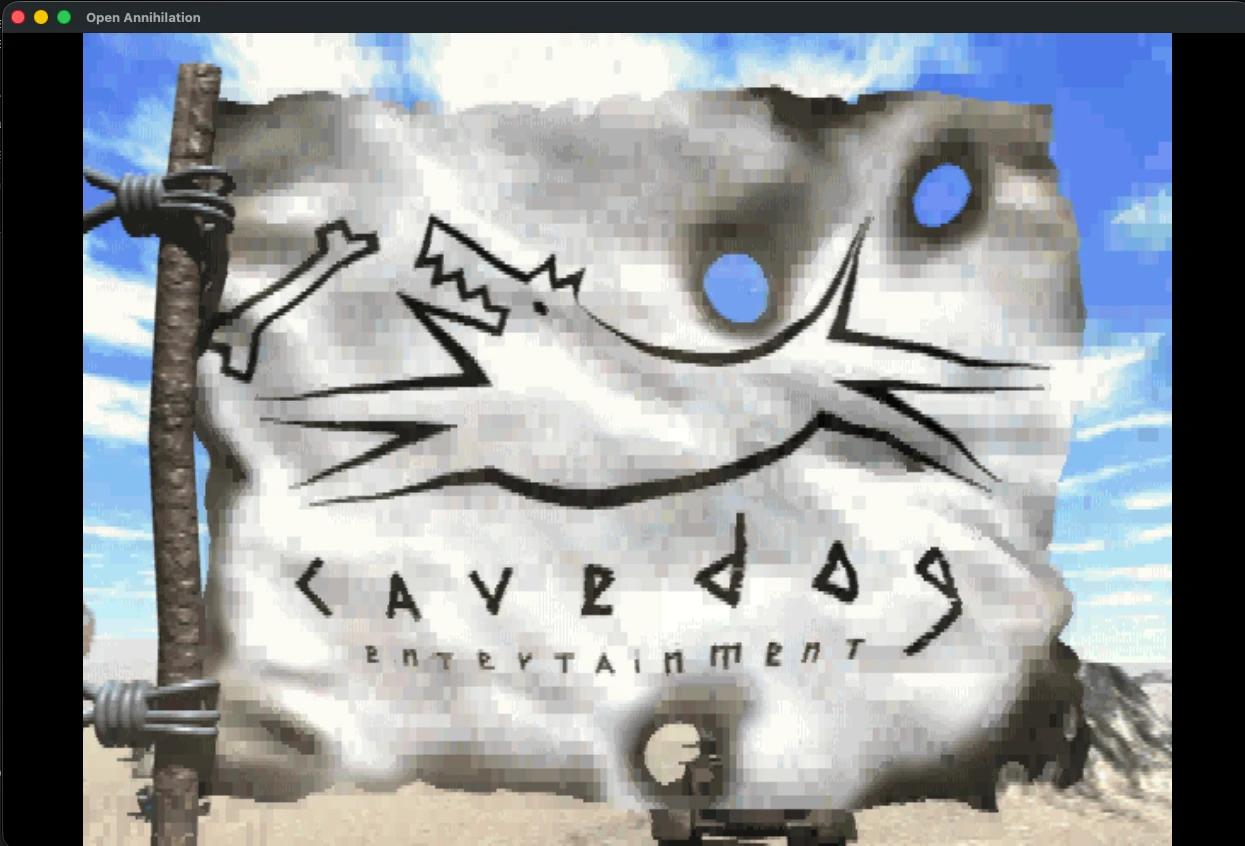 The original intro, played by the engine
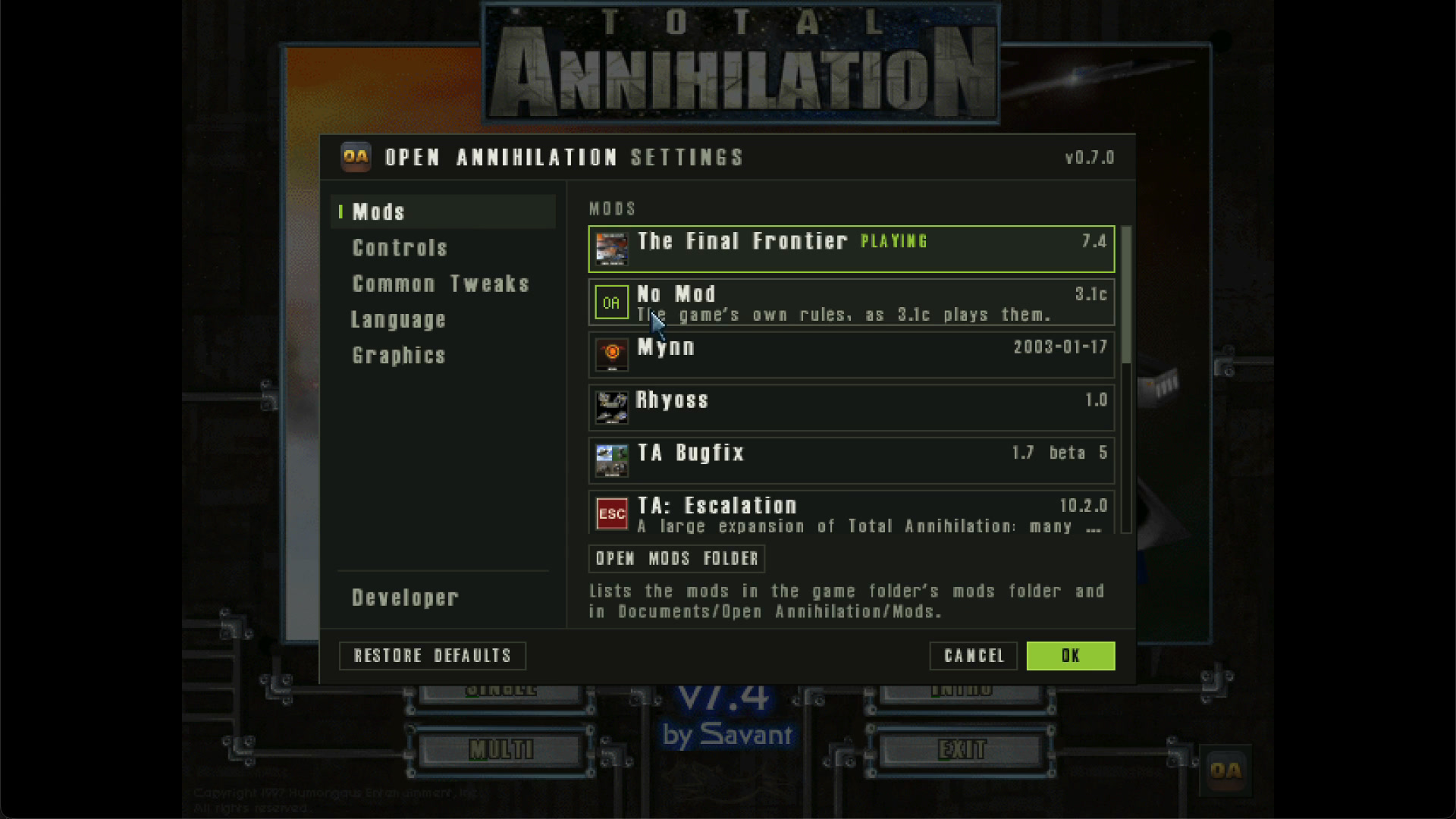 Switching mods without a restart
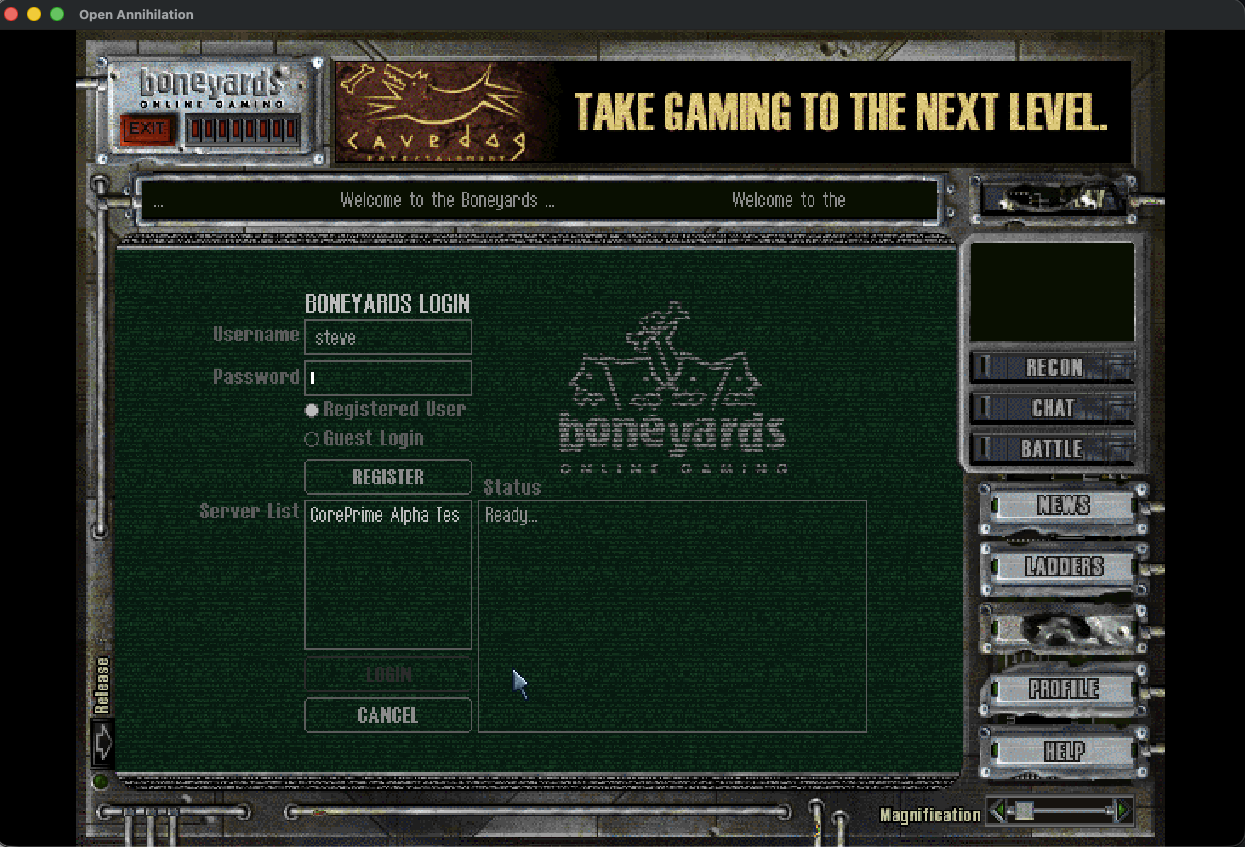 Boneyards login, connecting to Core Prime
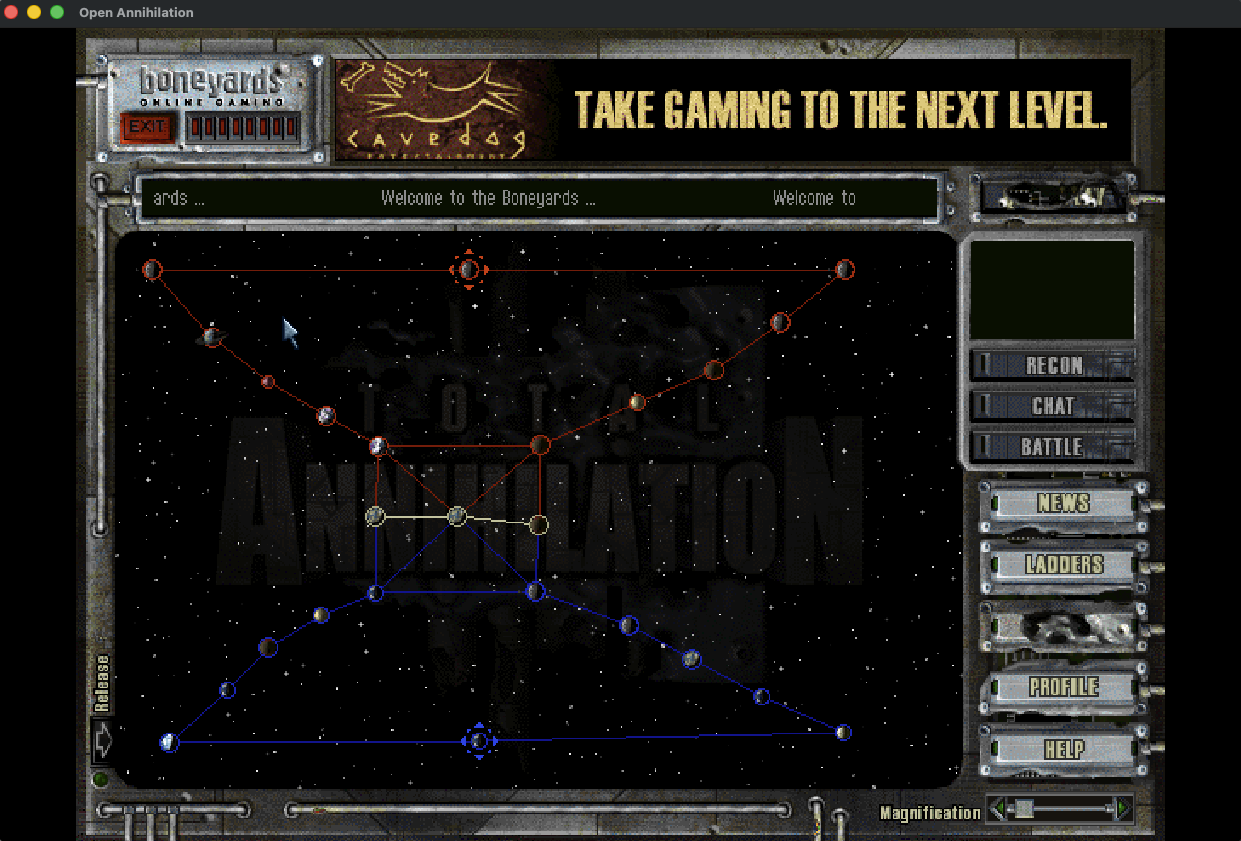 The Boneyards Galactic War map
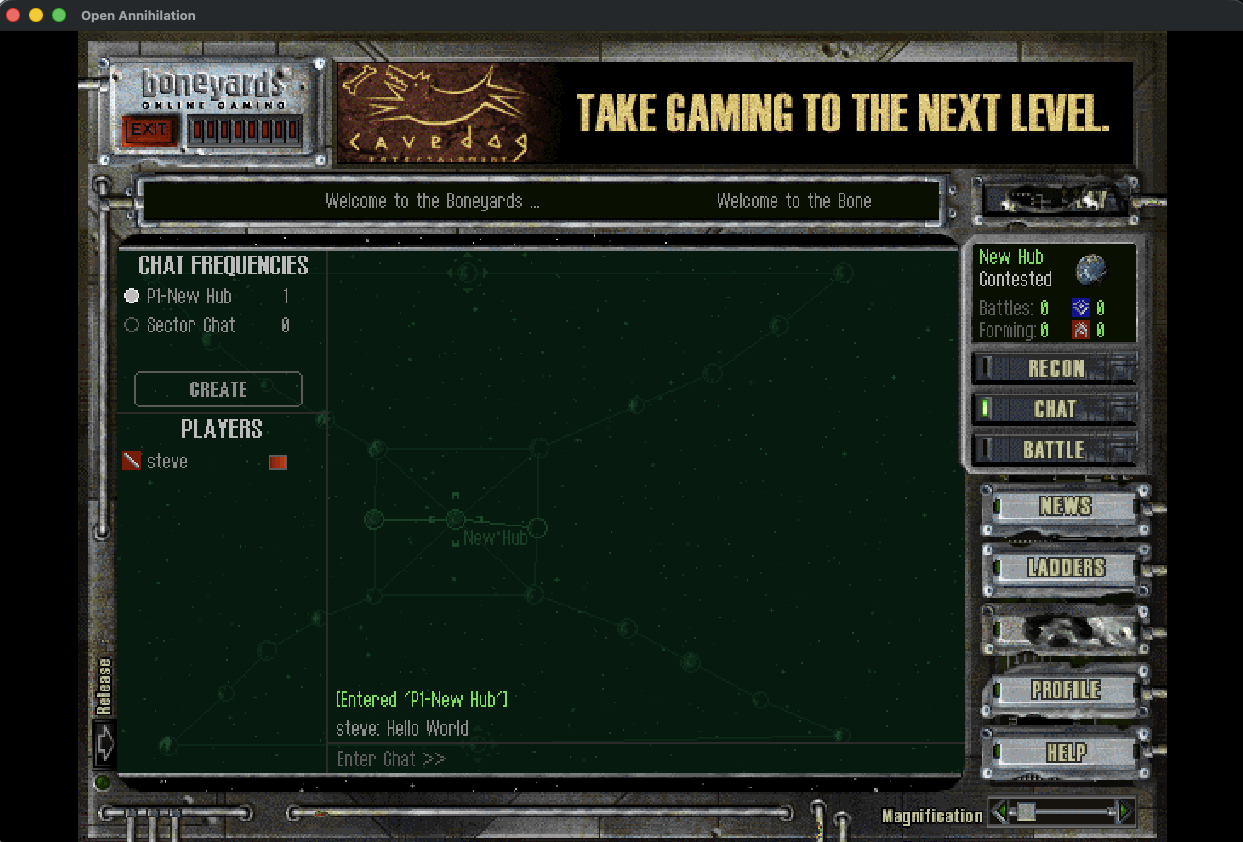 Boneyards chat
Celebrate three decades of amazing content.
Screens show the original game's art, which belongs to its rights holders.
 Open source GPLv3
 Free, forever and always
 Contributions welcome
Never commercial, always for the love of it.